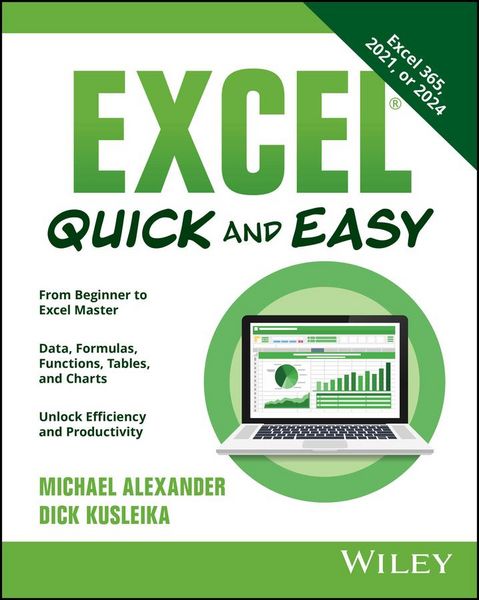
Excel Quick and Easy
-
- Englisch ausgewählt
18,99 €
inkl. gesetzl. MwSt.,
- Kostenlose Lieferung ab 30 € Einkaufswert
- Versandkostenfrei für Bonuscard-Kund*innen
Beschreibung
Produktdetails
Einband
Taschenbuch
Erscheinungsdatum
05.05.2025
Verlag
WileySeitenzahl
224
Maße (L/B/H)
23,3/18,5/1,2 cm
Gewicht
322 g
Sprache
Englisch
ISBN
978-1-394-34526-7
A simple and accurate Excel desk reference for everyone
With step-by-step walkthroughs of the most important Excel tasks described in the Excel Bible series, Excel® Quick and Easy is your shortcut to spreadsheet and data mastery. A team of Excel MVPs explain the features that Excel superusers rely on every day, from functions to charts, graphs, formulas, and more. This whirlwind tour of Excel contains easy demonstrations of:
- Creating new spreadsheets and workbooks
- Entering and editing worksheet data
- Making calculations and drawing useful conclusions from your data
- Visualizing and presenting data with intuitive charts and graphs
Excel® Quick and Easy is a one-of-a-kind resource that's perfect for people who are completely new to the software, people migrating from Google Sheets and other spreadsheet software, and even more experienced Excel users interested in expanding their skillset. You'll find:
- Step-by-step guides to Excel features, tools, and functions you'll use every day, from navigating the interface to crunching numbers
- Tips for transforming your Excel data into a compelling story with visualizations, like charts, graphs, and tables, that can be used to persuade and inform
- Instructions for using formulas and functions to unlock fresh insights from your Excel spreadsheets
Get ready to supercharge your productivity with Excel® Quick and Easy. It's the best way to get up to speed on the basics, learn new skills and features, and become the go-to Excel expert that every workplace is looking for.
Noch keine Bewertungen vorhanden
Verfassen Sie die erste Bewertung zu diesem Artikel
Helfen Sie anderen Kundinnen und Kunden durch Ihre Meinung.
Kurze Frage zu unserer Seite
Vielen Dank für Ihr Feedback
Wir nutzen Ihr Feedback, um unsere Produktseiten zu verbessern. Bitte haben Sie Verständnis, dass wir Ihnen keine Rückmeldung geben können. Falls Sie Kontakt mit uns aufnehmen möchten, können Sie sich aber gerne an unseren Kund*innenservice wenden.
zum Kundenservice