Beschreibung
Produktdetails
Einband
Taschenbuch
Erscheinungsdatum
08.04.2025
Verlag
John Wiley & SonsSeitenzahl
1088
Maße (L/B/H)
23,1/18,6/5,7 cm
Gewicht
1564 g
Auflage
2 ed
Sprache
Englisch
ISBN
978-1-394-29824-2
Your complete guide to Excel 365, written for newbies all the way to seasoned professionals
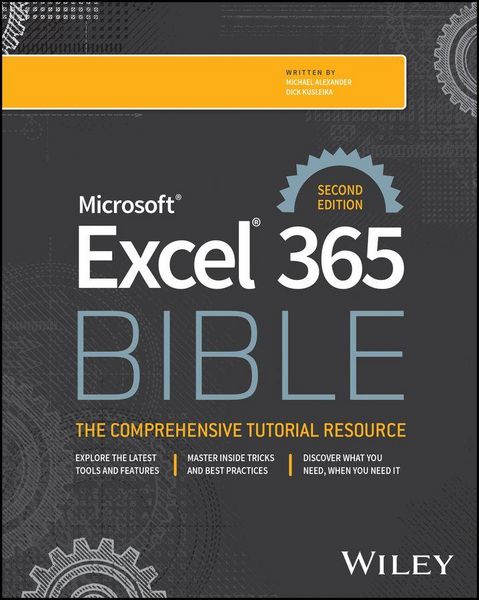
Neatly organised and written using accessible language, Microsoft Excel 365 Bible contains everything that readers need to know to get up and running quickly with Excel. Covering the numerous updates to Excel 365 since the previous edition was published in 2022, this Second Edition contains many useful examples and tips and tricks that cover all essential aspects of Excel-from the basics, such as navigating the user interface, to more advanced topics, such as creating visualisations and crafting custom functions.
Written by an accomplished team of authors with decades of Excel and business intelligence experience, this book explores topics including:
- Entering and editing worksheet data, with information on data types, formulas, dates, times and other cell contents
- Building formulas with Excel table objects, correcting common formula errors and using formula variables
- Working with data series, changing basic chart elements and making use of chart customization
- Loading data from other sources, performing common transformations and applying conditional logic
Microsoft Excel 365 Bible earns a well-deserved spot on the bookshelves of all professionals and individuals seeking to get the most out of Excel 365, from beginners with limited knowledge of the software all the way to advanced users with years of experience under their belts.
Noch keine Bewertungen vorhanden
Verfassen Sie die erste Bewertung zu diesem Artikel
Helfen Sie anderen Kundinnen und Kunden durch Ihre Meinung.
Kurze Frage zu unserer Seite
Vielen Dank für Ihr Feedback
Wir nutzen Ihr Feedback, um unsere Produktseiten zu verbessern. Bitte haben Sie Verständnis, dass wir Ihnen keine Rückmeldung geben können. Falls Sie Kontakt mit uns aufnehmen möchten, können Sie sich aber gerne an unseren Kund*innenservice wenden.
zum Kundenservice