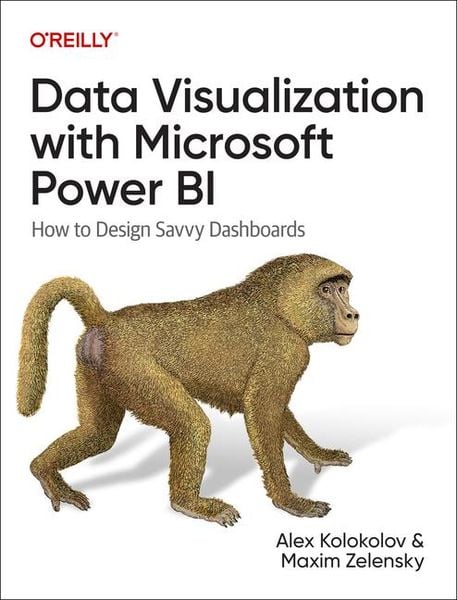
Data Visualization with Microsoft Power BI How to Design Savvy Dashboards
-
- Englisch ausgewählt
51,99 €
inkl. gesetzl. MwSt.,
Beschreibung
Produktdetails
Einband
Taschenbuch
Erscheinungsdatum
31.08.2024
Verlag
O'Reilly MediaSeitenzahl
397
Maße (L/B/H)
23,3/17,6/2,3 cm
Gewicht
718 g
Sprache
Englisch
ISBN
978-1-09-815278-9
The first book that delivers data viz best practices precisely for Power BI
This practical guide shows how to quickly create visualizations and build savvy dashboards, with 25 chapters that explore different chart types plus 40 visuals from the AppSource gallery, from default to advanced, all over 400 color pages.
Key features:
- Beautiful examples of charts, along with specific use cases
- Step-by-step instruction on how to set up visuals in the app
- Data preparation tips and tricks
- Quizzes to consolidate the learning material
Data Visualization with Microsoft Power BI is suitable for both experienced data analysts and nontechnical professionals in finance, sales, and marketing. Here's what's inside:
- Part 1: Classic visuals. Discover how to choose charts for basic types of analysis and avoid common mistakes, then learn how to set up interactions and put visuals together on a dashboard.
- Part 2: Trusted advanced visuals. Explore different options and data requirements for charts and diagrams including waterfall, bullet, Gantt, tornado, funnel, Sankey, and more.
- Part 3: Risky advanced visuals. Consider eye-catching charts that nonetheless may confuse the average user, examine use cases, and understand how to avoid pitfalls or suggest simpler alternatives.
You get "two in one"
- Data viz best practices, based on know-how cultivated over 15 years in the field of business intelligence
- Technical expertise along with clear guides and shortcuts derived from 300+ dashboards developed
Kundinnen und Kunden meinen
Verfassen Sie die erste Bewertung zu diesem Artikel
Helfen Sie anderen Kund*innen durch Ihre Meinung
Kurze Frage zu unserer Seite
Vielen Dank für Ihr Feedback
Wir nutzen Ihr Feedback, um unsere Produktseiten zu verbessern. Bitte haben Sie Verständnis, dass wir Ihnen keine Rückmeldung geben können. Falls Sie Kontakt mit uns aufnehmen möchten, können Sie sich aber gerne an unseren Kund*innenservice wenden.
zum Kundenservice