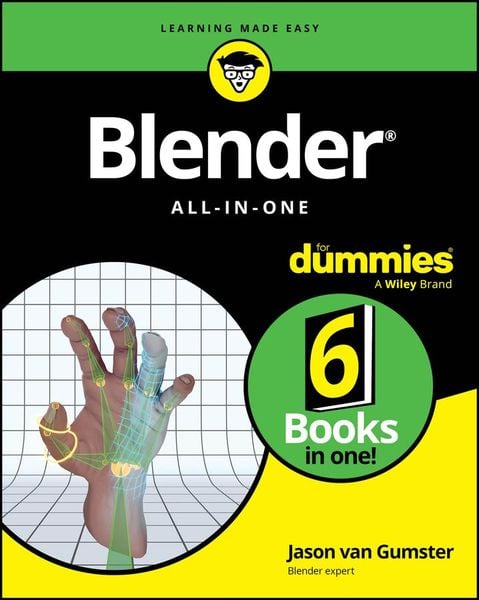
Blender All-in-One For Dummies
-
- Englisch ausgewählt
49,99 €
inkl. gesetzl. MwSt.,
Beschreibung
Produktdetails
Einband
Taschenbuch
Erscheinungsdatum
02.05.2024
Verlag
John Wiley & SonsSeitenzahl
751
Maße (L/B/H)
23,6/19/4,8 cm
Gewicht
1417 g
Farbe
Mint / Schwarz
Auflage
1. Auflage
Sprache
Englisch
ISBN
978-1-394-20404-5
When you're looking for help with creating animation with Blender, look no further than the top-selling Blender book on the market. This edition of Blender For Dummies covers every step in the animation process, from basic design all the way to finished product. This book walks you through each project phase, including creating models, adding lighting and environment, animating objects, and building a final shareable file. Written by long-time Blender evangelist Jason van Gumster, this deep reference teaches you the full animation process from idea to final vision. With this fun and easy guide, you're on your way toward making your animation dreams a reality.
* Set up Blender and navigate the interface
* Learn how to build models in virtual space
* Texture, light, and animate your figures--then render your final product
* Get help and inspiration from the Blender community
If you're new to Blender or an experienced user in need of a reference, Blender For Dummies is the easy-to-use guide for you.
Noch keine Bewertungen vorhanden
Verfassen Sie die erste Bewertung zu diesem Artikel
Helfen Sie anderen Kundinnen und Kunden durch Ihre Meinung.
Kurze Frage zu unserer Seite
Vielen Dank für Ihr Feedback
Wir nutzen Ihr Feedback, um unsere Produktseiten zu verbessern. Bitte haben Sie Verständnis, dass wir Ihnen keine Rückmeldung geben können. Falls Sie Kontakt mit uns aufnehmen möchten, können Sie sich aber gerne an unseren Kund*innenservice wenden.
zum Kundenservice