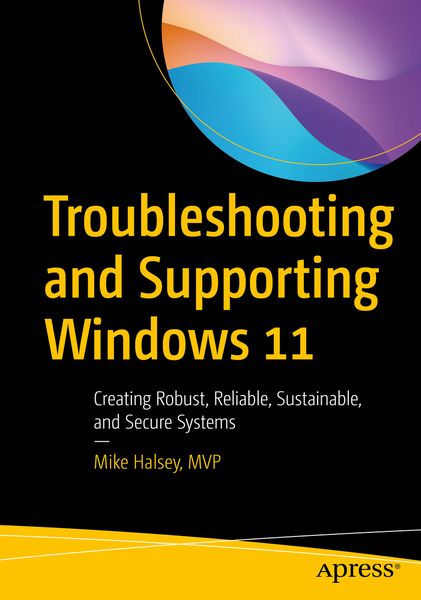
Troubleshooting and Supporting Windows 11 Creating Robust, Reliable, Sustainable, and Secure Systems
-
- Taschenbuch ausgewählt
- eBook
-
Sprache:Englisch
48,99 €
inkl. gesetzl. MwSt.,
Beschreibung
Produktdetails
Einband
Taschenbuch
Erscheinungsdatum
22.11.2022
Verlag
ApressSeitenzahl
690
Maße (L/B/H)
25,4/17,8/3,8 cm
Gewicht
1315 g
Sprache
Englisch
ISBN
978-1-4842-8727-9
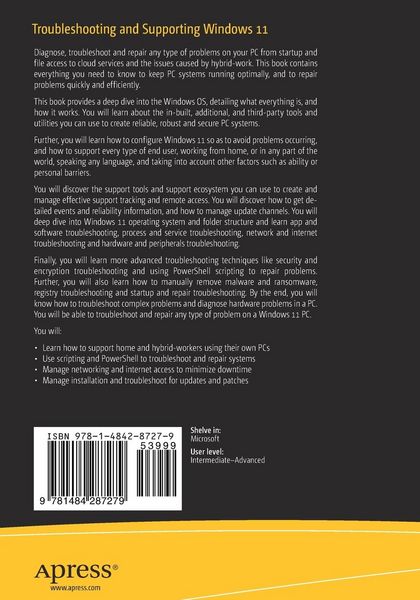
Diagnose, troubleshoot and repair any type of problems on your PC from startup and file access to cloud services and the issues caused by hybrid-work. This book contains everything you need to know to keep PC systems running optimally, and to repair problems quickly and efficiently.
This book provides a deep dive into the Windows OS, detailing what everything is, and how it works. You will learn about the in-built, additional, and third-party tools and utilities you can use to create reliable, robust and secure PC systems.
Further, you will learn how to configure Windows 11 so as to avoid problems occurring, and how to support every type of end user, working from home, or in any part of the world, speaking any language, and taking into account other factors such as ability or personal barriers.
You will discover the support tools and support ecosystem you can use to create and manage effective support tracking and remote access. Youwill discover how to get detailed events and reliability information, and how to manage update channels. You will deep dive into Windows 11 operating system and folder structure and learn app and software troubleshooting, process and service troubleshooting, network and internet troubleshooting and hardware and peripherals troubleshooting.
Finally, you will learn more advanced troubleshooting techniques like security and encryption troubleshooting and using PowerShell scripting to repair problems. Further, you will also learn how to manually remove malware and ransomware, registry troubleshooting and startup and repair troubleshooting. By the end, you will know how to troubleshoot complex problems and diagnose hardware problems in a PC. You will be able to troubleshoot and repair any type of problem on a Windows 11 PC.
What Will You Learn
- How to support home and hybrid-workers using their own PCs
- Using scripting and PowerShell to troubleshoot and repair systems
- Managing networking and internet access to minimize downtime
- Managing installation and troubleshoot for updates and patches
Who Is This Book For
IT Pros and system administrators who have to maintain small or large networks of connected PCs locally at their organization, or with hybrid workers.Noch keine Bewertungen vorhanden
Verfassen Sie die erste Bewertung zu diesem Artikel
Helfen Sie anderen Kundinnen und Kunden durch Ihre Meinung.
Kurze Frage zu unserer Seite
Vielen Dank für Ihr Feedback
Wir nutzen Ihr Feedback, um unsere Produktseiten zu verbessern. Bitte haben Sie Verständnis, dass wir Ihnen keine Rückmeldung geben können. Falls Sie Kontakt mit uns aufnehmen möchten, können Sie sich aber gerne an unseren Kund*innenservice wenden.
zum Kundenservice