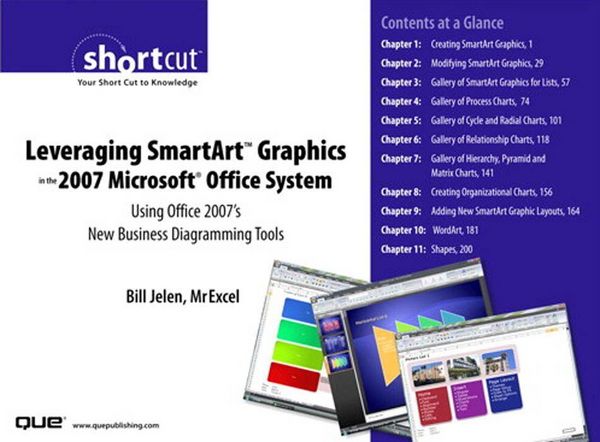
Leveraging SmartArt Graphics in the 2007 Microsoft Office System Using Office 2007's New Business Diagramming Tools (Digital Short Cut)
-
- Einzelkauf Download ausgewählt
-
Sprache:Englisch
7,70 €
inkl. gesetzl. MwSt.Beschreibung
Produktdetails
Format
Kopierschutz
Nein
Family Sharing
Nein
Text-to-Speech
Nein
Altersempfehlung
18 - 67 Jahr(e)
Erscheinungsdatum
08.11.2006
Verlag
Pearson ITPSeitenzahl
265 (Printausgabe)
Dateigröße
39682 KB
Auflage
1. Auflage
Sprache
Englisch
EAN
9780768668360
Microsoft provides a fantastic new business diagramming engine in PowerPoint 2007, Word 2007, and Excel 2007 in the form of SmartArt[TM] graphics. The new SmartArt[TM] graphics allow you to create process charts, radial charts, organization charts, and more.
Leverage the themes and styles Microsoft provides in Office 2007 or customize the art to make your own designs. This book covers all the drawing tools in Microsoft Office 2007. Using SmartArt[TM], WordArt or Shapes, you can create eye-catching documents that will get noticed.
- Dress up your next presentation with colorful business diagrams.
- Create better documents in Word 2007, Excel 2007, and PowerPoint 2007.
- Add glow, bevel, reflection with just a few mouse clicks.
- Generate professional organization charts.
- Design your own layouts: Don't be stuck with what Microsoft shipped in the box.
- Construct dynamic shapes with text calculated from Excel.
Table of Contents
Introduction
Chapter 1: Creating SmartArt Graphics
Chapter 2: Modifying SmartArt Graphics
Chapter 3: Gallery of SmartArt Graphics for Lists
Chapter 4: Gallery of Process Charts
Chapter 5: Gallery of Cycle and Radial Charts
Chapter 6: Gallery of Relationship Charts
Chapter 7: Gallery of Hierarchy, Pyramid, and Matrix Charts
Chapter 8: Creating Organizational Charts
Chapter 9: Adding New SmartArt Graphic Layouts
Chapter 10: WordArt
Chapter 11: Shapes
Noch keine Bewertungen vorhanden
Verfassen Sie die erste Bewertung zu diesem Artikel
Helfen Sie anderen Kundinnen und Kunden durch Ihre Meinung.
Kurze Frage zu unserer Seite
Vielen Dank für Ihr Feedback
Wir nutzen Ihr Feedback, um unsere Produktseiten zu verbessern. Bitte haben Sie Verständnis, dass wir Ihnen keine Rückmeldung geben können. Falls Sie Kontakt mit uns aufnehmen möchten, können Sie sich aber gerne an unseren Kund*innenservice wenden.
zum Kundenservice