Beschreibung
Produktdetails
Einband
Taschenbuch
Erscheinungsdatum
30.10.2018
Verlag
John Wiley & SonsSeitenzahl
816
Maße (L/B/H)
23,6/19/4,5 cm
Gewicht
1074 g
Auflage
1. Auflage
Sprache
Englisch
ISBN
978-1-119-51327-8
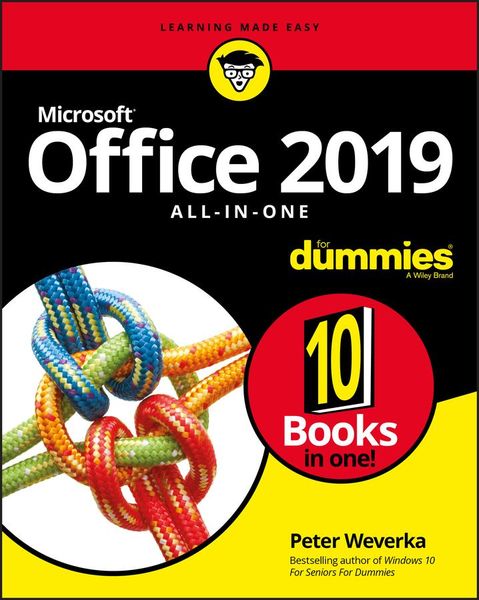
One book that does the work of nine
Knowing your way around Microsoft Office requires you to be part mathematician, part storyteller, and part graphic designer--with some scheduling wizard and database architect sprinkled in. So what do you do if these talents don't come naturally to you?
Fear not! Office 2019 All-in-One For Dummies fills in the gaps and helps you create easy-to-read Word documents, smash numbers in Excel, tell your tale with PowerPoint, and keep it all organized with Outlook. With additional books covering Access, OneNote, and common Office tasks, this is the only Office book you need on your shelf.
* Get insight into tools common to all Office applications
* Find full coverage of Word, Excel, PowerPoint, Outlook, and Access
* Benefit from updated information based on the newest software release
* Discover the tricks Office pros use to enhance efficiency
If you need to make sense of Office 2019and don't have time to waste, this is the all-in-one reference you'll want to keep close by!
Knowing your way around Microsoft Office requires you to be part mathematician, part storyteller, and part graphic designer--with some scheduling wizard and database architect sprinkled in. So what do you do if these talents don't come naturally to you?
Fear not! Office 2019 All-in-One For Dummies fills in the gaps and helps you create easy-to-read Word documents, smash numbers in Excel, tell your tale with PowerPoint, and keep it all organized with Outlook. With additional books covering Access, OneNote, and common Office tasks, this is the only Office book you need on your shelf.
* Get insight into tools common to all Office applications
* Find full coverage of Word, Excel, PowerPoint, Outlook, and Access
* Benefit from updated information based on the newest software release
* Discover the tricks Office pros use to enhance efficiency
If you need to make sense of Office 2019and don't have time to waste, this is the all-in-one reference you'll want to keep close by!
Noch keine Bewertungen vorhanden
Verfassen Sie die erste Bewertung zu diesem Artikel
Helfen Sie anderen Kundinnen und Kunden durch Ihre Meinung.
Kurze Frage zu unserer Seite
Vielen Dank für Ihr Feedback
Wir nutzen Ihr Feedback, um unsere Produktseiten zu verbessern. Bitte haben Sie Verständnis, dass wir Ihnen keine Rückmeldung geben können. Falls Sie Kontakt mit uns aufnehmen möchten, können Sie sich aber gerne an unseren Kund*innenservice wenden.
zum Kundenservice