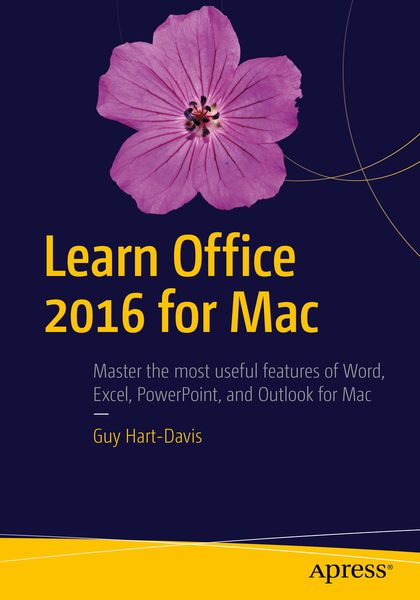
Learn Office 2016 for Mac
-
- Taschenbuch ausgewählt
- eBook
-
Sprache:Englisch
71,99 €
UVP
82,49 €
inkl. gesetzl. MwSt.,
Beschreibung
Produktdetails
Einband
Taschenbuch
Erscheinungsdatum
27.07.2016
Abbildungen
XXXIII, 711 p. 466 illus., 455 illus. in color.
Verlag
ApressSeitenzahl
711
Maße (L/B/H)
25,4/17,8/3,9 cm
Gewicht
1380 g
Auflage
2nd ed.
Sprache
Englisch
ISBN
978-1-4842-2001-6
A practical, hands-on approach to using Office 2016 applications to create and edit documents and get work done efficiently. You'll learn how to customize Office, design, create, and share documents, manipulate data in a spreadsheet, and create lively presentations. You'll also discover how to organize your email, contacts, and tasks with the new Outlook for Mac. Conveying information quickly and concisely, the book brings you from beginner or intermediate to an experienced and confident user.
Now, it's been updated with a cleaner interface and more compatibility with Exchange and SharePoint.
This book provides the best combination of accessible and focused coverage of the Office 2016 applications. Rather than cover every seldom-used feature, the book covers real-world usage, putting emphasis on practical tasks andtroubleshooting common problems, such as sharing documents with Windows users and older versions of Office.
What You Will Learn
Create professional documents for home and business using Word
- Edit documents collaboratively in real time with your colleagues
- Record and manipulate data using spreadsheets
- Use your data to create powerful and convincing charts
- Build persuasive multimedia presentations in PowerPoint
- Deliver presentations like an expert
Keep your e-mail under control with Outlook
Stay on top of your schedule and your tasks
Who This Book Is For
Any Mac user who needs to work with Word, Excel, PowerPoint, or Outlook either for business or for pleasure. Professionals, students, and home user alike will benefit from straightforward explanations, step-by-step instructions, and effective workarounds for everyday problems.
Noch keine Bewertungen vorhanden
Verfassen Sie die erste Bewertung zu diesem Artikel
Helfen Sie anderen Kundinnen und Kunden durch Ihre Meinung.
Kurze Frage zu unserer Seite
Vielen Dank für Ihr Feedback
Wir nutzen Ihr Feedback, um unsere Produktseiten zu verbessern. Bitte haben Sie Verständnis, dass wir Ihnen keine Rückmeldung geben können. Falls Sie Kontakt mit uns aufnehmen möchten, können Sie sich aber gerne an unseren Kund*innenservice wenden.
zum Kundenservice