Beschreibung
Produktdetails
Einband
Taschenbuch
Erscheinungsdatum
08.05.2015
Abbildungen
XXVI, 544 p. 340 illus.
Verlag
ApressSeitenzahl
544
Maße (L/B/H)
25,4/17,8/3,1 cm
Gewicht
1061 g
Auflage
1st ed.
Sprache
Englisch
ISBN
978-1-4842-1234-9
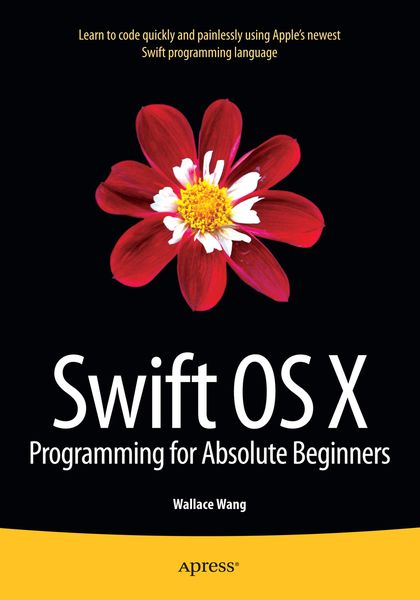
Swift OS X Programming for Absolute Beginners
is your step-by-step guide to learning how to code using Swift, Apple's hottest new programming language. This book will not only teach complete programming novices how to write OS X programs, but it can also help experienced programmers moving to the Macintosh for the first time. You will learn to understand the principles of programming, how to use Swift and Xcode, and how to combine your knowledge into writing OS X programs.
If you've always wanted to learn coding but felt stymied by the limitation of simplistic programming languages or intimidated by professional but complicated programming languages, then you'll want to learn Swift. Swift is your gateway to both Macintosh and iOS app development while being powerful and easy to learn at the same time, and
Swift OS X Programming for Absolute Beginners
is the perfect place to start - add it to your library today.
Noch keine Bewertungen vorhanden
Verfassen Sie die erste Bewertung zu diesem Artikel
Helfen Sie anderen Kundinnen und Kunden durch Ihre Meinung.
Kurze Frage zu unserer Seite
Vielen Dank für Ihr Feedback
Wir nutzen Ihr Feedback, um unsere Produktseiten zu verbessern. Bitte haben Sie Verständnis, dass wir Ihnen keine Rückmeldung geben können. Falls Sie Kontakt mit uns aufnehmen möchten, können Sie sich aber gerne an unseren Kund*innenservice wenden.
zum Kundenservice