Beschreibung
Produktdetails
Einband
Taschenbuch
Erscheinungsdatum
05.10.2015
Abbildungen
XXVII, 509 illus., schwarz-weiss Illustrationen
Verlag
ApressSeitenzahl
613
Maße (L/B/H)
25,4/17,8/3,4 cm
Gewicht
1194 g
Auflage
1st ed.
Sprache
Englisch
ISBN
978-1-4842-1086-4
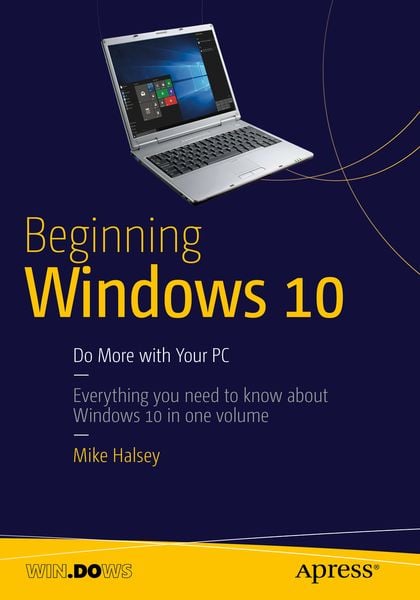
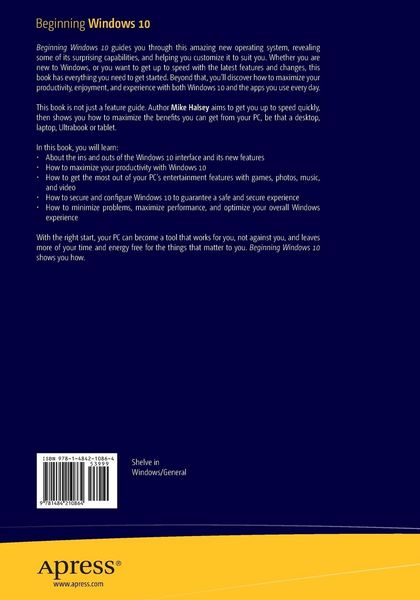
Beginning Windows 10 takes you through the new features of this amazing new operating system, revealing some of its surprising capabilities, and helping you customize it to suit you. Whether you are new to Windows, or you want to get up to speed with the latest features and changes, this book has everything you need to get started.
Author Mike Halsey shows you how to create an environment for school, work, and play that puts the important things at your fingertips, while combining them in ways you never thought possible. Learn how to carry your personalized Windows experience with you as part of your Microsoft account instead of having it tied to one device, while also keeping everything safe, secure and backed up, so you can enjoy peace of mind with your new PC.
With the right start, your PC can become a tool that works for you, not against you, and leaves more of your time and energy free for the things that matter to you. Beginning Windows 10 shows you how.
- About the ins and outs of the Windows 10 interface and its new features
- How to personalize your Windows experience to give trouble-free performance
- How to manage your Microsoft account across different devices and services in the home, at work, and on the move
- How to maximize your productivity with Windows 10
- How to secure and configure Windows 10 to guarantee a safe and secure experience
- How to use, hack and manipulate Windows to enable advanced customization
Who This Book Is For
Beginning Windows 10 is for people new to Windows or who want to get up to speed with the latest version. This book also can help people who already know how to perform routine tasks learn how to get more out of Windows, their computer and their time. Whether you want to get up and running with Windows 10,or want to go to the next level and learn useful ways to minimize problems, maximize performance, and optimize your overall Windows experience, this book is for you.
Noch keine Bewertungen vorhanden
Verfassen Sie die erste Bewertung zu diesem Artikel
Helfen Sie anderen Kundinnen und Kunden durch Ihre Meinung.
Kurze Frage zu unserer Seite
Vielen Dank für Ihr Feedback
Wir nutzen Ihr Feedback, um unsere Produktseiten zu verbessern. Bitte haben Sie Verständnis, dass wir Ihnen keine Rückmeldung geben können. Falls Sie Kontakt mit uns aufnehmen möchten, können Sie sich aber gerne an unseren Kund*innenservice wenden.
zum Kundenservice