Gutscheinbedingungen

**Gültig nur für Bestellungen an die Wunsch-Poststation bis 10.06.2026 auf Spielzeug, Schreibwaren, Filme, Geschenke & Trends, Musik, tolino eReader & Zubehör, Hörbücher und Hörbuch-Downloads (außer Abo), nicht preisgebundene Bücher und Kalender online auf thalia.at und in der Thalia App. Einzelne Artikel können ausgeschlossen sein. Aufgrund der Buchpreisbindung sind deutschsprachige Bücher und eBooks ausgenommen. Zusätzlich ausgenommen sind preisgebundene Artikel, Abos & Flatrates, eBooks, Games, Geschenkkarten/-boxen, Shelfies, Software, Zeitschriften sowie einzelne Artikel von tonies®. Pro Einkauf einmal einlösbar. Kein Click & Collect möglich. Keine Barauszahlung. Nicht kombinierbar mit anderen Aktionen und Gutscheinen. Gutschein wird auf max. 500€ Bestellwert angerechnet. Nicht gültig für Versandkosten und Services.

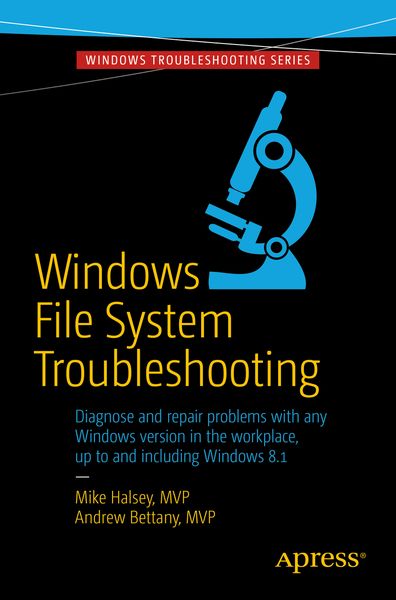
  • Produktbild: Windows File System Troubleshooting
  • Produktbild: Windows File System Troubleshooting
- 11%

Windows File System Troubleshooting

11% sparen

31,99 € UVP 36,29 €

inkl. gesetzl. MwSt., Versandkostenfrei


Beschreibung

Produktdetails

Einband

Taschenbuch

Erscheinungsdatum

27.06.2015

Verlag

APress

Seitenzahl

151

Maße (L/B/H)

23,5/15,5/1 cm

Gewicht

271 g

Auflage

1st edition

Sprache

Englisch

ISBN

978-1-4842-1017-8

Beschreibung

Produktdetails

Einband

Taschenbuch

Erscheinungsdatum

27.06.2015

Verlag

APress

Seitenzahl

151

Maße (L/B/H)

23,5/15,5/1 cm

Gewicht

271 g

Auflage

1st edition

Sprache

Englisch

ISBN

978-1-4842-1017-8

Herstelleradresse

Springer-Verlag GmbH
Tiergartenstr. 17
69121 Heidelberg
DE

Email: ProductSafety@springernature.com

Kundinnen und Kunden meinen

0 Bewertungen

Informationen zu Bewertungen

Zur Abgabe einer Bewertung ist eine Anmeldung im Konto notwendig. Die Authentizität der Bewertungen wird von uns nicht überprüft. Wir behalten uns vor, Bewertungstexte, die unseren Richtlinien widersprechen, entsprechend zu kürzen oder zu löschen.

Die Bewertungen sind nach Format, Anzahl Sterne und Datum sortiert.

Verfassen Sie die erste Bewertung zu diesem Artikel

Helfen Sie anderen Kund*innen durch Ihre Meinung

Kundinnen und Kunden meinen

0 Bewertungen filtern

Die Leseprobe wird geladen.
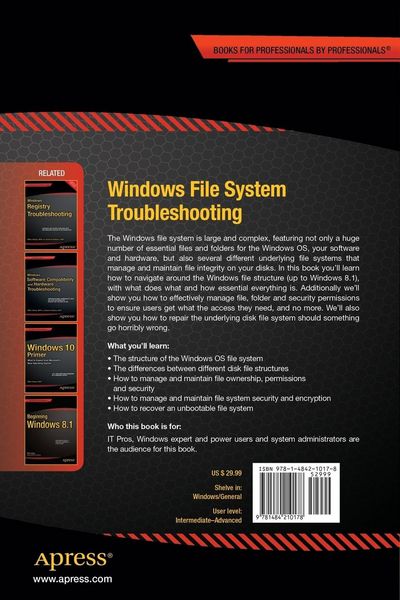
  • Produktbild: Windows File System Troubleshooting
  • Produktbild: Windows File System Troubleshooting
  • Chapter 1: Introducing the Windows File System

    Chapter Goal: A deep dive into the structure of Microsoft Windows and how it manages and arranges OS, update and software files and hardware drivers

    1. The Windows File Structure
    2. Critical Windows System Files and Folders
    3. Managing software and apps
    4. Windows hardware driver files and management
    5. Managing updates in Windows
    Chapter 2: Understanding NTFS, FAT and ReFS File Systems

    Chapter Goal: The main Windows disk file systems and structures detailed

    1. Introducing the Windows disk file systems
    2. NTFS
    3. FAT (FAT32 / exFAT)
    4. ReFS
    Chapter 3: Permissions, Ownership and Auditing

    Chapter Goal: A common issue with Windows is managing correct file permissions and ownership, this chapter is a complete guide in managing these effectively

    1. Managing file, folder and disk permissions
    2. Managing file and folder ownership
    3. Successfully auditing Windows files, folders and assets

    Chapter 4: Managing File Security

    Chapter Goal: Security is essential with PCs in the workplace and at home. This chapter will teach the reader how to effectively secure their Windows OS, software and files

    1. Managing Windows, file, folder and disk security
    2. Managing security for documents and both disk and network assets
    3. Maintaining security best-practice in Windows

    Chapter 5: Managing and Troubleshooting Encryption and Compression

    Chapter Goal: This chapter will teach the reader how to effectively manage and deploy security and compression on their files, folders and disks

    1. Using and managing Windows file compression
    2. Using and managing EFS in Windows
    3. Using and Managing Bitlocker and Bitlocker To Go
    Chapter 6: Troubleshooting the Windows File System

    Chapter Goal: The disk file system in Windows is also prone to errors, this chapter will get readers started in diagnosing and troubleshooting errors.

    1. How disk file system errors occur
    2. Common disk file system errors
    3. Diagnosing and repairing common disk file system errors
    Chapter 7: Booting the unbootable – Repairing the Windows Boot System

    Chapter Goal: If a PC won’t start it’s likely that the boot system will need to be repaired. This chapter is a complete guide on how to automatically and manually fix this in Windows

    1. Automatically repairing the Windows boot system
    2. Effecting manual repair to the Windows boot system
    3. Rebuilding a corrupt Windows boot system
    Chapter 8: Restoring Files and Folder Security Settings

    Chapter Goal: Sometimes it all goes horribly wrong and users can be locked out of just about everything. This chapter will teach readers how to manually reset the file and folder permissions on all files and documents in a safe and secure way.

    1. When might you need to universally reset permissions?
    2. Using ICACLS to reset file permissions and ownership
    Chapter 9: Repairing the Windows File System using a Portable OS

    Chapter Goal: If Windows is unbootable or the file system corrupt, a portable OS on USB Flash Drive or DVD can still be used to rescue the OS and your files

    1. Linux, an operating system on a disk
    2. Creating a bootable USB Windows installation
    3. Repairing and rescuing documents using a portable OS
    4. Manually repairing the Windows file system using a portable OS
    5. Manually repairing the Windows boot system using a portable OS