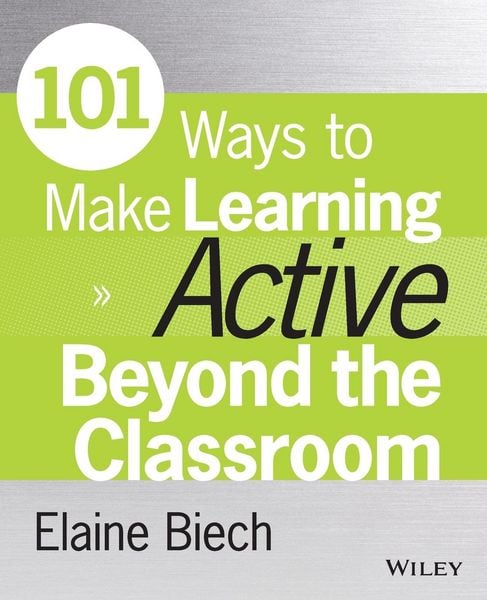
101 Ways to Make Learning Active Beyond the Classroom
-
- Englisch ausgewählt
39,99 €
inkl. gesetzl. MwSt.,
Beschreibung
Produktdetails
Einband
Taschenbuch
Erscheinungsdatum
05.06.2015
Verlag
John Wiley & Sons IncSeitenzahl
320
Maße (L/B/H)
23,5/19,1/1,7 cm
Gewicht
604 g
Auflage
1. Auflage
Sprache
Englisch
ISBN
978-1-118-97198-7
101 Ways to Make Learning Active Beyond the Classroom provides proven, practical strategies, activities, and tips for those tasked with facilitating training in any subject area among alternative settings. Based on the best-selling Active Training approach, these methods have been designed by recognized experts, and are guaranteed to enliven any learning event. Readers will find a toolkit of ready-to-use exercises and tips for organizing, conducting, and delivering active learning, in alternative settings on the job or around the world. The book is organized in a way that allows trainers to quickly and easily identify strategies that hold the most promise for specific situations. Each strategy is illustrated with a case example that demonstrates the concepts in action. Two hundred tips organized in twenty how-to lists will prove invaluable for using Twitter, coaching virtually, encouraging informal learning, opening interactive virtual learning sessions, and much more. Coverage includes best practices for social media and informal learning, common e-learning tools, as well as guidance toward using a full gamut of tools from gamification and simulation to serious games and m-learning.
Active training encourages participants to use their brains to study ideas, solve problems, and apply what they've learned. It's a fast-paced, fun, supportive, and personally engaging environment. This book shows training facilitators the proven techniques that help learners get more out of the material.
* Design a more engaging learning environment
* Improve delivery with optimized technology
* Utilize effective learning tools and practical strategies
* Learn best practices for social media, coaching, virtual learning, and more
Learners need to figure things out by themselves, ask questions, practice skills, and transfer skills and knowledge to the job. With proven strategies designed by industry leaders, 101 Ways to Make Learning Active Beyond the Classroom is the indispensable guide to the design and delivery of effective alternative ways to learn.
Noch keine Bewertungen vorhanden
Verfassen Sie die erste Bewertung zu diesem Artikel
Helfen Sie anderen Kundinnen und Kunden durch Ihre Meinung.
Kurze Frage zu unserer Seite
Vielen Dank für Ihr Feedback
Wir nutzen Ihr Feedback, um unsere Produktseiten zu verbessern. Bitte haben Sie Verständnis, dass wir Ihnen keine Rückmeldung geben können. Falls Sie Kontakt mit uns aufnehmen möchten, können Sie sich aber gerne an unseren Kund*innenservice wenden.
zum Kundenservice