Beschreibung
Produktdetails
Einband
Taschenbuch
Erscheinungsdatum
03.06.2014
Verlag
John Wiley & SonsSeitenzahl
1008
Maße (L/B/H)
23,3/18,7/5,3 cm
Gewicht
1323 g
Auflage
1. Auflage
Sprache
Englisch
ISBN
978-1-118-86215-5
Learn Revit Architecture the hands-on way
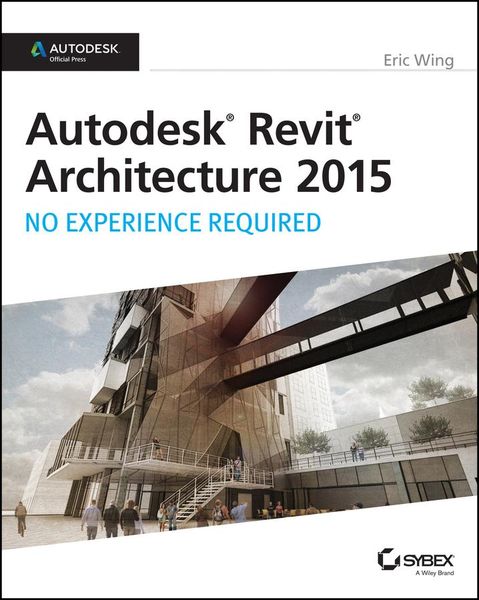
For those who like to learn by doing, this Autodesk Official Press book shows you how to build a four-story office building one step at a time, providing you with real-world practice you might expect to encounter on the job. Concise explanations, focused examples, step-by-step instructions, and an engaging hands-on tutorial make this book the perfect way to learn Revit Architecture. In addition, you can download starting files for each chapter from the website in order to compare your work to the authors, or start fresh with any chapter in the book.
Expert author Eric Wing first introduces the interface and Revit conventions, and then moves directly into building modeling. You'll learn to place walls, doors, and windows, work with structural grids, beams, and foundations; add text and dimensions, and use dimensions as a design tool. As the building takes shape, you'll discover how to generate construction documentation, create schedules, work with families, consider site issues, and use Revit's rendering capabilities. Here are some of the skills you can acquire from this book:
* Understanding Revit's interface, views, and grids
* Creating and editing roofs, railings, stairs, and ceilings
* Generating documentation and construction schedules
* Using advanced features like creating hosted families, system families, and formulas
Autodesk Revit Architecture: No Experience Required is a completely self-paced guide. You can work along with the tutorial from cover to cover or jump in anywhere. No matter how you use this book, you'll be able to transfer the useful concepts to your professional practice.
For those who like to learn by doing, this Autodesk Official Press book shows you how to build a four-story office building one step at a time, providing you with real-world practice you might expect to encounter on the job. Concise explanations, focused examples, step-by-step instructions, and an engaging hands-on tutorial make this book the perfect way to learn Revit Architecture. In addition, you can download starting files for each chapter from the website in order to compare your work to the authors, or start fresh with any chapter in the book.
Expert author Eric Wing first introduces the interface and Revit conventions, and then moves directly into building modeling. You'll learn to place walls, doors, and windows, work with structural grids, beams, and foundations; add text and dimensions, and use dimensions as a design tool. As the building takes shape, you'll discover how to generate construction documentation, create schedules, work with families, consider site issues, and use Revit's rendering capabilities. Here are some of the skills you can acquire from this book:
* Understanding Revit's interface, views, and grids
* Creating and editing roofs, railings, stairs, and ceilings
* Generating documentation and construction schedules
* Using advanced features like creating hosted families, system families, and formulas
Autodesk Revit Architecture: No Experience Required is a completely self-paced guide. You can work along with the tutorial from cover to cover or jump in anywhere. No matter how you use this book, you'll be able to transfer the useful concepts to your professional practice.
Noch keine Bewertungen vorhanden
Verfassen Sie die erste Bewertung zu diesem Artikel
Helfen Sie anderen Kundinnen und Kunden durch Ihre Meinung.
Kurze Frage zu unserer Seite
Vielen Dank für Ihr Feedback
Wir nutzen Ihr Feedback, um unsere Produktseiten zu verbessern. Bitte haben Sie Verständnis, dass wir Ihnen keine Rückmeldung geben können. Falls Sie Kontakt mit uns aufnehmen möchten, können Sie sich aber gerne an unseren Kund*innenservice wenden.
zum Kundenservice