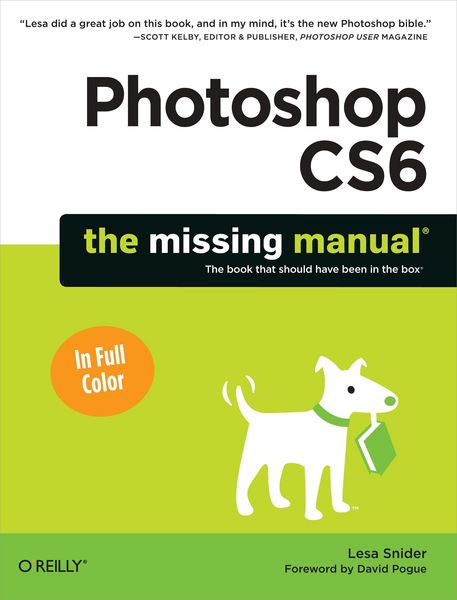
Photoshop Cs6: The Missing Manual The book that should have been in the box
-
- Taschenbuch ausgewählt
- eBook
-
Sprache:Englisch
52,99 €
inkl. gesetzl. MwSt.,
Beschreibung
Produktdetails
Einband
Taschenbuch
Erscheinungsdatum
26.06.2012
Verlag
O'Reilly MediaSeitenzahl
888
Maße (L/B/H)
23,3/17,7/5 cm
Gewicht
1513 g
Sprache
Englisch
ISBN
978-1-4493-1615-0
The important stuff you need to know:
* Learn your way around. Get a guided tour of Photoshop’s beautiful new workspace.
* Unlock the magic. Discover the most practical ways to use layers, channels, masks, paths, and other tools.
* Fine-tune your images. Learn techniques for cropping, retouching, and combining photos.
* Play with color. Drain, change, and add color; and create gorgeous black-and-whites and duotones.
* Be artistic. Create original illustrations and paintings, use text and filters effectively, and edit video clips.
* Share your work. Produce great-looking images for print and the Web.
* Work smarter and faster. Automate common chores and install plug-ins for complex tasks.
Noch keine Bewertungen vorhanden
Verfassen Sie die erste Bewertung zu diesem Artikel
Helfen Sie anderen Kundinnen und Kunden durch Ihre Meinung.
Kurze Frage zu unserer Seite
Vielen Dank für Ihr Feedback
Wir nutzen Ihr Feedback, um unsere Produktseiten zu verbessern. Bitte haben Sie Verständnis, dass wir Ihnen keine Rückmeldung geben können. Falls Sie Kontakt mit uns aufnehmen möchten, können Sie sich aber gerne an unseren Kund*innenservice wenden.
zum Kundenservice