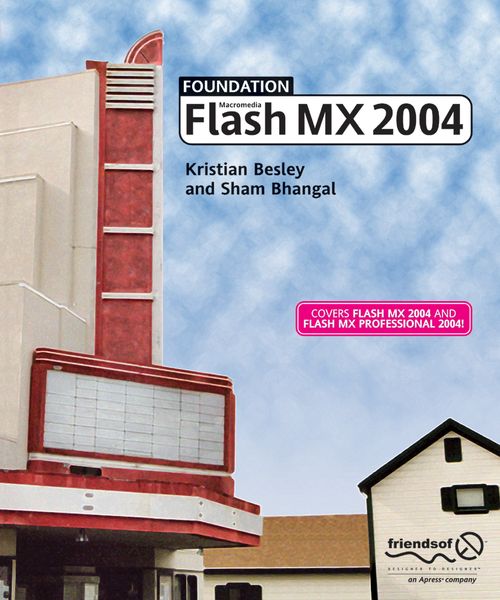
Foundation Flash MX 2004
-
- Englisch ausgewählt
23,99 €
inkl. gesetzl. MwSt.,
- Kostenlose Lieferung ab 30 € Einkaufswert
- Versandkostenfrei für Bonuscard-Kund*innen
Beschreibung
Produktdetails
Einband
Taschenbuch
Erscheinungsdatum
14.01.2004
Abbildungen
XVIII, 490 p.
Verlag
ApressSeitenzahl
490
Maße (L/B/H)
22,8/19,2/2,7 cm
Gewicht
798 g
Auflage
Softcover reprint of the original 1st ed.
Sprache
Englisch
ISBN
978-1-59059-303-5
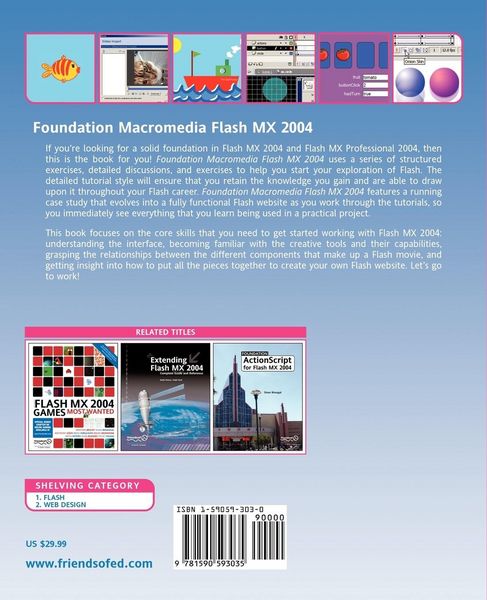
If you've never used Flash before and you're looking for a book that will give you a rock- solid grounding in Flash MX 2004, then this is the title for you. This book uses a series of structured exercises to give you the broad, solid foundation knowledge you need to start your exploration of Flash from scratch. Foundation Flash MX 2004 uses a proven sequential, detailed, and accessible tutorial style to ensure that you'll retain your learning and be able to draw on it throughout your Flash career.
Macromedia Flash MX 2004 is an exciting product, providing rich creative opportunities for Flash designers and developers at all levels of ability and experience. No single book can hope to provide adequate coverage of all aspects of Flash MX 2004, which is why this book focuses relentlessly on the core skills that you need to get you started: understanding the interface, familiarizing yourself with the creative tools and their capabilities, grasping the relationships between the different components that make up a Flash movie, and getting insight into how to put all the pieces together and hook them up with ActionScript. All these aspects (and much more) are covered in detailed tutorials and exercises, reinforced with a case study that runs throughout the book to apply everything in a real-world context.
Covers both Flash MX 2004 and Flash MX Professional 2004!
Noch keine Bewertungen vorhanden
Verfassen Sie die erste Bewertung zu diesem Artikel
Helfen Sie anderen Kundinnen und Kunden durch Ihre Meinung.
Kurze Frage zu unserer Seite
Vielen Dank für Ihr Feedback
Wir nutzen Ihr Feedback, um unsere Produktseiten zu verbessern. Bitte haben Sie Verständnis, dass wir Ihnen keine Rückmeldung geben können. Falls Sie Kontakt mit uns aufnehmen möchten, können Sie sich aber gerne an unseren Kund*innenservice wenden.
zum Kundenservice