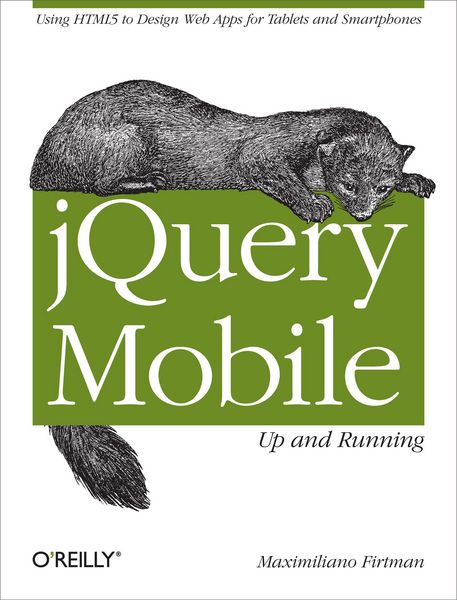
JQuery Mobile: Up and Running Using HTML5 to Design Web Apps for Tablets and Smartphones
-
- Taschenbuch ausgewählt
- eBook
-
Sprache:Englisch
33,99 €
inkl. gesetzl. MwSt.,
Beschreibung
Produktdetails
Einband
Taschenbuch
Erscheinungsdatum
27.03.2012
Abbildungen
w. Illustrationen
Verlag
O'Reilly MediaSeitenzahl
270
Maße (L/B/H)
23,7/18,2/2 cm
Gewicht
434 g
Sprache
Englisch
ISBN
978-1-4493-9765-4
By the time you finish this book, you’ll know how to create responsive, Ajax-based interfaces that work on a variety of smartphones and tablets, using jQuery Mobile and semantic HTML5 code.
* Understand how jQuery Mobile works with HTML5, CSS3, and JavaScript
* Work with UI components to format content and create forms, lists, navbars, and buttons
* Create dynamic content with JavaScript, Ajax, and the jQuery core framework
* Customize your entire user interface with themes and CSS3
* Enable users to install your app from the browser and work with it offline
* Distribute through app stores by packaging your creation as a native app
Noch keine Bewertungen vorhanden
Verfassen Sie die erste Bewertung zu diesem Artikel
Helfen Sie anderen Kundinnen und Kunden durch Ihre Meinung.
Kurze Frage zu unserer Seite
Vielen Dank für Ihr Feedback
Wir nutzen Ihr Feedback, um unsere Produktseiten zu verbessern. Bitte haben Sie Verständnis, dass wir Ihnen keine Rückmeldung geben können. Falls Sie Kontakt mit uns aufnehmen möchten, können Sie sich aber gerne an unseren Kund*innenservice wenden.
zum Kundenservice