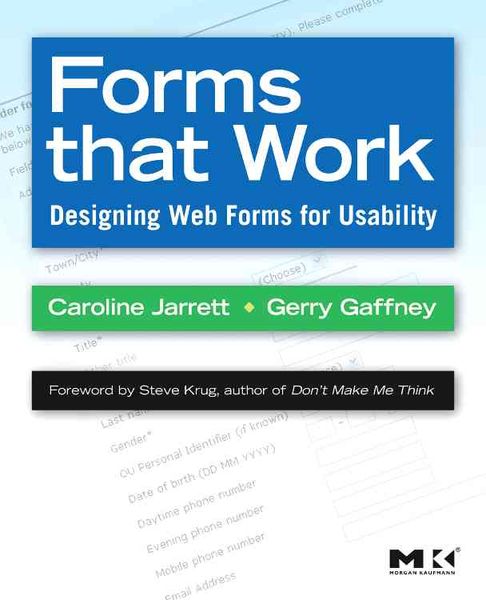
Forms that Work Designing Web Forms for Usability
-
- Englisch ausgewählt
45,99 €
inkl. gesetzl. MwSt.,
Beschreibung
Produktdetails
Einband
Taschenbuch
Erscheinungsdatum
07.11.2008
Abbildungen
w. col. figs.
Verlag
Morgan KaufmannSeitenzahl
288
Maße (L/B/H)
23,8/19,7/1,7 cm
Gewicht
495 g
Farbe
Weiß / Blau
Sprache
Englisch
ISBN
978-1-55860-710-1
Forms that Work: Designing Web Forms for Usability clearly explains exactly how to design great forms for the web. The book provides proven and practical advice that will help you avoid pitfalls, and produce forms that are aesthetically pleasing, efficient and cost-effective. It features invaluable design methods, tips, and tricks to help ensure accurate data and satisfied customers. It includes dozens of examples - from nitty-gritty details (label alignment, mandatory fields) to visual designs (creating good grids, use of color).
This book isn't just about colons and choosing the right widgets. It's about the whole process of making good forms, which has a lot more to do with making sure you're asking the right questions in a way that your users can answer than it does with whether you use a drop-down list or radio buttons. In an easy-to-read format with lots of examples, the authors present their three-layer model - relationship, conversation, appearance. You need all three for a successful form - a form that looks good, flows well, asks the right questions in the right way, and, most important of all, gets people to fill it out. Liberally illustrated with full-color examples, this book guides readers on how to define requirements, how to write questions that users will understand and want to answer, and how to deal with instructions, progress indicators and errors.
This book is essential reading for HCI professionals, web designers, software developers, user interface designers, HCI academics and students, market research professionals, and financial professionals.
Noch keine Bewertungen vorhanden
Verfassen Sie die erste Bewertung zu diesem Artikel
Helfen Sie anderen Kundinnen und Kunden durch Ihre Meinung.
Kurze Frage zu unserer Seite
Vielen Dank für Ihr Feedback
Wir nutzen Ihr Feedback, um unsere Produktseiten zu verbessern. Bitte haben Sie Verständnis, dass wir Ihnen keine Rückmeldung geben können. Falls Sie Kontakt mit uns aufnehmen möchten, können Sie sich aber gerne an unseren Kund*innenservice wenden.
zum Kundenservice