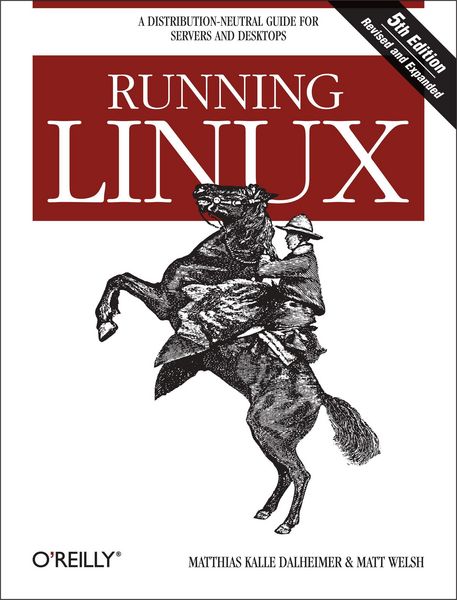
Running Linux A Distribution-Neutral Guide for Servers and Desktops
-
- Taschenbuch ausgewählt
- eBook
-
Sprache:Englisch
44,99 €
inkl. gesetzl. MwSt.,
Beschreibung
Produktdetails
Einband
Taschenbuch
Erscheinungsdatum
31.01.2006
Verlag
O'Reilly MediaSeitenzahl
972
Maße (L/B/H)
23,3/17,9/4,7 cm
Gewicht
1333 g
Auflage
5th Revised and Expanded edition
Sprache
Englisch
ISBN
978-0-596-00760-7
This fifth edition of Running Linux is greatly expanded, reflecting the maturity of the operating system and the teeming wealth of software available for it. Hot consumer topics suchas audio and video playback applications, groupware functionality, and spam filtering are covered, along with the basics in configuration and management that always have made the book popular.
Running Linux covers basic communications such as mail, web surfing, and instant messaging, but also delves into the subtleties of network configuration--including dial-up, ADSL, and cable modems--in case you need to set up your network manually. The book canmake you proficient on office suites and personal productivity applications--and also tells you what programming tools are available if you're interested in contributing to these applications.
Other new topics in the fifth edition include encrypted email and filesystems, advanced shell techniques, and remote login applications. Classic discussions on booting, package management, kernel recompilation, and X configuration have also been updated.
The authors of Running Linux have anticipated problem areas, selected stable and popular solutions, and provided clear instructions to ensure that you'll have a satisfying experience using Linux. The discussion is direct and complete enough to guide novice users, while still providing the additional information experienced users will need to progress in their mastery of Linux.
Whether you're using Linux on a home workstation or maintaining a network server, Running Linux will provide expert advice just when you need it.
Noch keine Bewertungen vorhanden
Verfassen Sie die erste Bewertung zu diesem Artikel
Helfen Sie anderen Kundinnen und Kunden durch Ihre Meinung.
Kurze Frage zu unserer Seite
Vielen Dank für Ihr Feedback
Wir nutzen Ihr Feedback, um unsere Produktseiten zu verbessern. Bitte haben Sie Verständnis, dass wir Ihnen keine Rückmeldung geben können. Falls Sie Kontakt mit uns aufnehmen möchten, können Sie sich aber gerne an unseren Kund*innenservice wenden.
zum Kundenservice